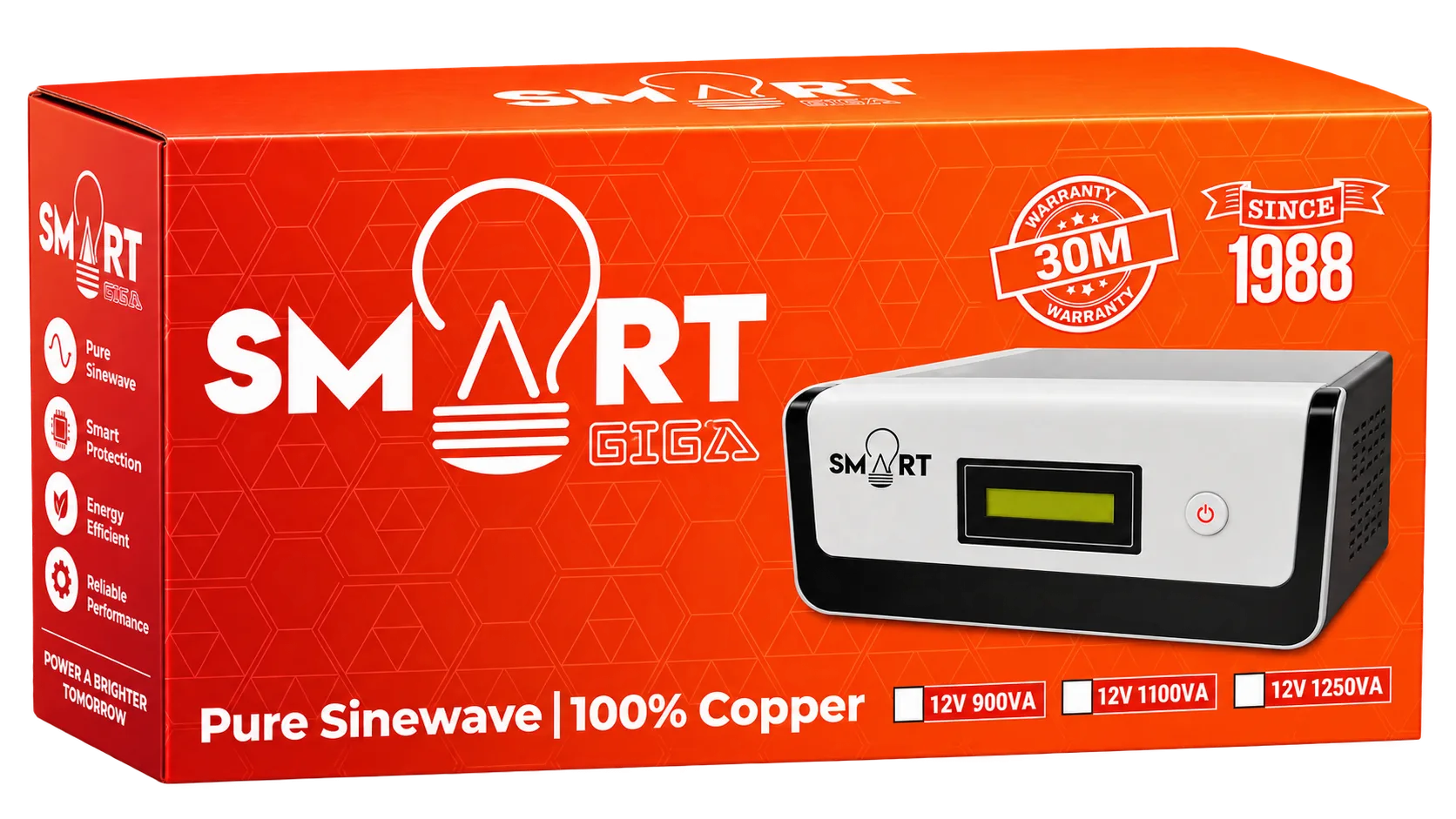
smart solar and power is reshaping home energy reliability in Bangladesh. The Smart 1500VA UPS, offered by Smart Power & Solar Solutions (স্মার্ট পাওয়ার অ্যান্ড সোলার সলিউশনস), combines pure sine wave output, digital display, and UPS mode to keep essential devices running during outages. This guide explains what the product is, why it matters for solar and grid‑connected homes, and how to choose, install, and maintain it for maximum benefit.
Understanding the role of a pure sine wave UPS in solar environments
A pure sine wave UPS delivers clean, stable electricity that mimics the waveform of utility power. This is crucial for sensitive electronics such as televisions, computers, and LED lighting, which can be damaged by distorted waveforms. The Smart 1500VA UPS produces a true sine wave, ensuring that your devices operate safely even when the grid falters.
In a solar‑powered home, the UPS acts as a bridge between solar generation, battery storage, and the load. When solar panels produce excess energy, the UPS can store it or feed it to the inverter, and during a blackout it supplies uninterrupted power until the battery is depleted.
Key features of the Smart 1500VA UPS
- Capacity: 1500VA, suitable for small to medium home loads.
- Pure Sine Wave output for sensitive equipment.
- UPS Mode ensures instant switch‑over during outages.
- Digital Display shows battery status, load level, and runtime.
- 7 built‑in fans for efficient cooling.
- Supports up to 8 lights, 1 TV, and mobile charging via Wi‑Fi enabled control.
These specifications make the Smart 1500VA a versatile choice for households that rely on a mix of grid power, solar panels, and battery banks.
How the Smart 1500VA supports solar and power continuity
When paired with a solar inverter, the Smart 1500VA can handle the surge of power required when solar generation starts after a cloudy period. Its 30‑year warranty reflects confidence in long‑term performance, a key factor for renewable energy projects that aim for durability.
Typical applications include:
- Running a home office setup with a computer, router, and UPS‑protected monitor.
- Powering a television and surrounding LED lights during evening hours.
- Providing a reliable charging point for smartphones and tablets.
The Wi‑Fi connectivity allows remote monitoring via a mobile app, giving homeowners real‑time insight into battery health and load distribution.
Choosing the right UPS size for your solar system
Selecting the correct capacity hinges on two factors: total load wattage and desired runtime. The Smart 1500VA can handle up to roughly 900 watts of continuous load (assuming a power factor of 0.6). Calculate the combined wattage of devices you wish to protect, then compare it to the UPS rating.
For example, a typical home office might draw 300 W, a TV 150 W, and eight LED lights 80 W total. This adds up to 530 W, well within the Smart 1500VA’s capability, leaving room for future expansion.
Installation steps for the Smart 1500VA UPS
Professional installation ensures safety and optimal performance. Follow these steps or request a site survey from Smart Power & Solar Solutions:
- Step 1: Choose a ventilated location near the main distribution board.
- Step 2: Mount the UPS on a sturdy wall bracket, keeping at least 30 cm clearance for airflow.
- Step 3: Connect the input side to the grid or solar inverter using appropriately rated cables.
- Step 4: Connect the output side to the critical load circuit, using a dedicated breaker.
- Step 5: Power on the unit, configure the digital display settings, and enable Wi‑Fi for remote monitoring.
Smart Power & Solar Solutions offers free expert consultation to verify that the wiring complies with local codes.
Maintenance best practices
Regular upkeep extends the UPS lifespan and preserves battery health. Follow these recommendations:
- Inspect fan filters monthly; clean dust buildup to maintain cooling efficiency.
- Check battery terminals for corrosion every six months and tighten connections.
- Run a self‑test via the digital display quarterly to verify inverter and battery performance.
- Update firmware through the Wi‑Fi interface when prompted.
These simple actions reduce unexpected failures and keep the system ready for the next power interruption.
Comparing the Smart 1500VA with other options
Many UPS models on the market offer similar VA ratings, but few combine pure sine wave output, Wi‑Fi monitoring, and a 30‑year warranty. Conventional simulated sine wave units may be cheaper, yet they can cause humming or overheating in sensitive devices.
When evaluating alternatives, consider:
- Waveform quality – pure sine wave vs. simulated.
- Battery warranty length – longer warranties indicate higher confidence in durability.
- Remote monitoring – Wi‑Fi capability simplifies management.
The Smart 1500VA stands out for its comprehensive feature set tailored to solar‑centric homes.
Common mistakes to avoid
Even experienced users can overlook critical details. Avoid these pitfalls:
- Overloading the UPS beyond its rated wattage – always calculate total load.
- Placing the unit in a confined space without ventilation – the seven fans need clear airflow.
- Neglecting firmware updates – outdated software can impair battery management.
- Skipping professional wiring – improper connections may void the warranty.
By staying mindful of these issues, you ensure reliable operation for years.
Why Smart Power & Solar Solutions is the trusted partner
Smart Power & Solar Solutions (স্মার্ট পাওয়ার অ্যান্ড সোলার সলিউশনস) has built a reputation for delivering quality solar and power products across Bangladesh. Their team provides:
- Free site surveys to assess load and solar potential.
- Professional installation by certified technicians.
- After‑sales support with a dedicated helpline.
- Access to genuine Smart brand UPS units with full warranty coverage.
Choosing this provider links you to a network of experts who understand local grid challenges and renewable energy incentives.
Integrating the Smart 1500VA into a larger solar system
For households planning expansion, the Smart 1500VA can be part of a hybrid setup that includes solar panels, a lithium battery bank, and a grid‑tie inverter. The UPS protects critical loads while the battery stores excess solar energy for nighttime use. This layered approach maximizes self‑consumption and reduces reliance on the national grid.
When designing such a system, work with Smart Power & Solar Solutions to size the battery bank correctly and configure the inverter settings for seamless handover between solar, battery, and UPS power sources.
Getting started with Smart 1500VA
Ready to secure your home’s power continuity? Contact Smart Power & Solar Solutions for a personalized assessment. Their experts will recommend the optimal configuration, handle installation, and provide ongoing support.
get a free expert consultation from Smart Power & Solar Solutions
Explore the full range of solar solutions, including panels, inverters, and battery storage, to build a resilient energy ecosystem.
Related reading: সোলার প্যানেল বসাতে ছাদের কতটুকু জায়গা লাগে?
Frequently Asked Questions
What type of devices can I connect to the Smart 1500VA UPS?
You can connect televisions, LED lights, computers, routers, and mobile chargers. The unit supports up to 8 lights and 1 TV while maintaining pure sine wave output.
Do I need a professional installer for the Smart 1500VA?
Yes, a certified technician should handle wiring and mounting to ensure safety and warranty compliance. Smart Power & Solar Solutions offers free site surveys and installation services.
How long will the battery last during a typical power outage?
Runtime depends on load; for a 500 W load, the Smart 1500VA can provide approximately 30‑40 minutes of backup before the battery needs recharging.
Can the Smart 1500VA be integrated with my existing solar inverter?
Absolutely. The UPS works alongside solar inverters, providing seamless transition between solar, battery, and grid power for critical loads.
What maintenance tasks should I perform regularly?
Clean fan filters monthly, check battery terminals for corrosion every six months, run quarterly self‑tests, and update firmware via Wi‑Fi when available.